Face Grouping & Search
Computer Vision · PythonPoint it at a pile of event photos, get them sorted by who's in each one — then search the whole library for any face.
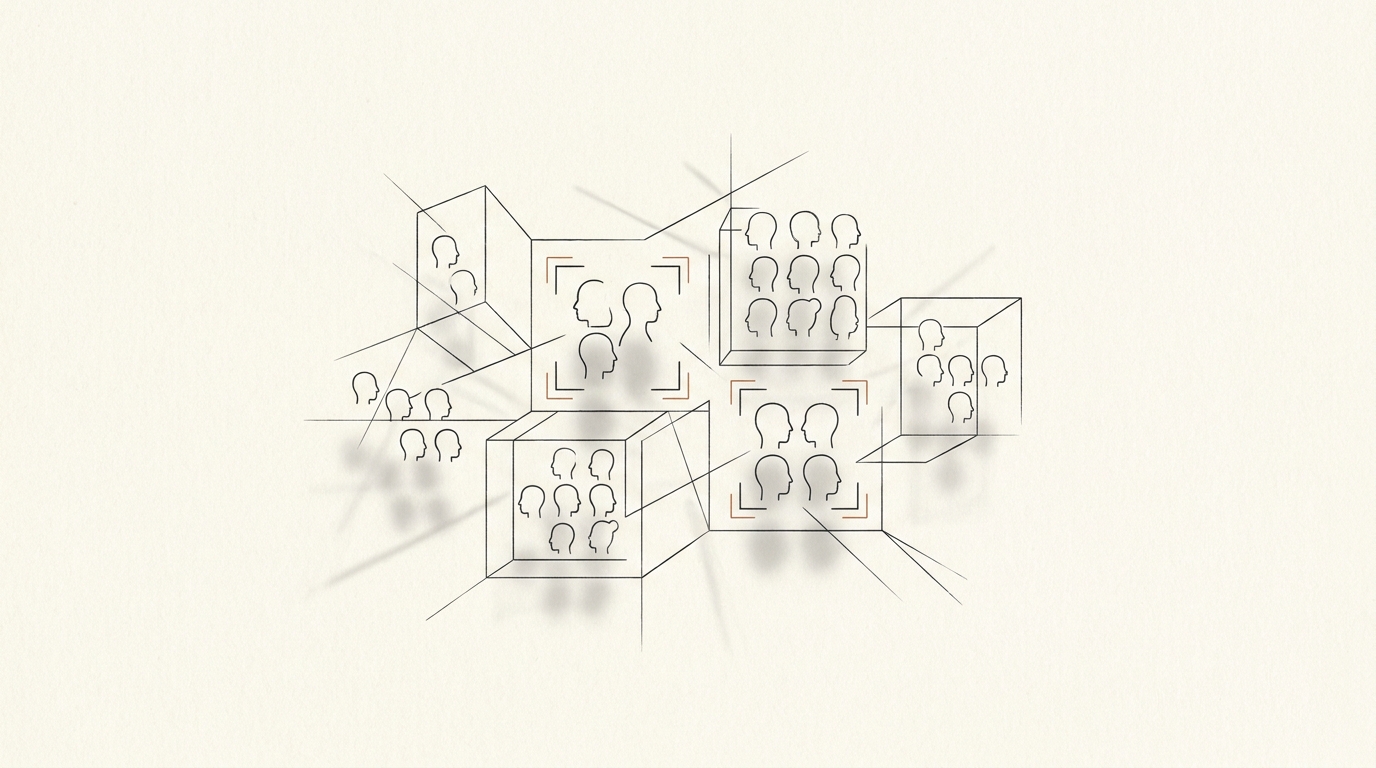
Two tools that grew out of the same itch: too many photos, no idea who's in them. One groups a folder by face; the other searches a library for a specific person. Both run entirely on your own machine.
The problem
After a big event — the original use case was a szalagavató, a Hungarian graduation ceremony — you end up with hundreds of photos and the tedious job of figuring out which ones each person is in. Doing it by hand is miserable. So I taught a computer to do the looking.
Grouping
The grouping tool walks a folder, detects and encodes every face, and clusters the photos by face-distance so each person ends up with their own pile. You can choose the detector — fast HOG or accurate CNN — and tune the matching threshold, and it handles group photos where many faces share a frame. It draws labelled bounding boxes so you can see what it decided and why.
Search
The search side is the inverse: give it one face and it finds every photo that person appears in, across a whole local image library. It uses a facenet pipeline — MTCNN for detection and InceptionResnet for 512-dimensional embeddings — and compares against the library by cosine distance, all behind a small Flask web UI for browsing the matches.
Engineering touches
- Resumable — processing state is pickled, so a run over thousands of photos can stop and pick up where it left off.
- Progress & ETA — live progress tracking with estimated time remaining instead of a silent wait.
- Metrics — per-image stats (face counts, match rates, timing) logged to CSV and visualised in an interactive Dash dashboard.
Built with
Grouping: Python, the face_recognition library (HOG/CNN detection + encodings), PIL/OpenCV for drawing, pickle for state, Dash + Matplotlib + Pandas for the metrics dashboard. Search: Python, facenet-pytorch (MTCNN + InceptionResnet), Flask for the browse UI.